How to receive web push notifications
2026-02-24
Get multilingual chat message notifications, the latest updates, and special offers delivered instantly via web push notifications!
No app download required.
2026-02-24
Get multilingual chat message notifications, the latest updates, and special offers delivered instantly via web push notifications!
No app download required.
■For Android users
① Access the multilingual chat
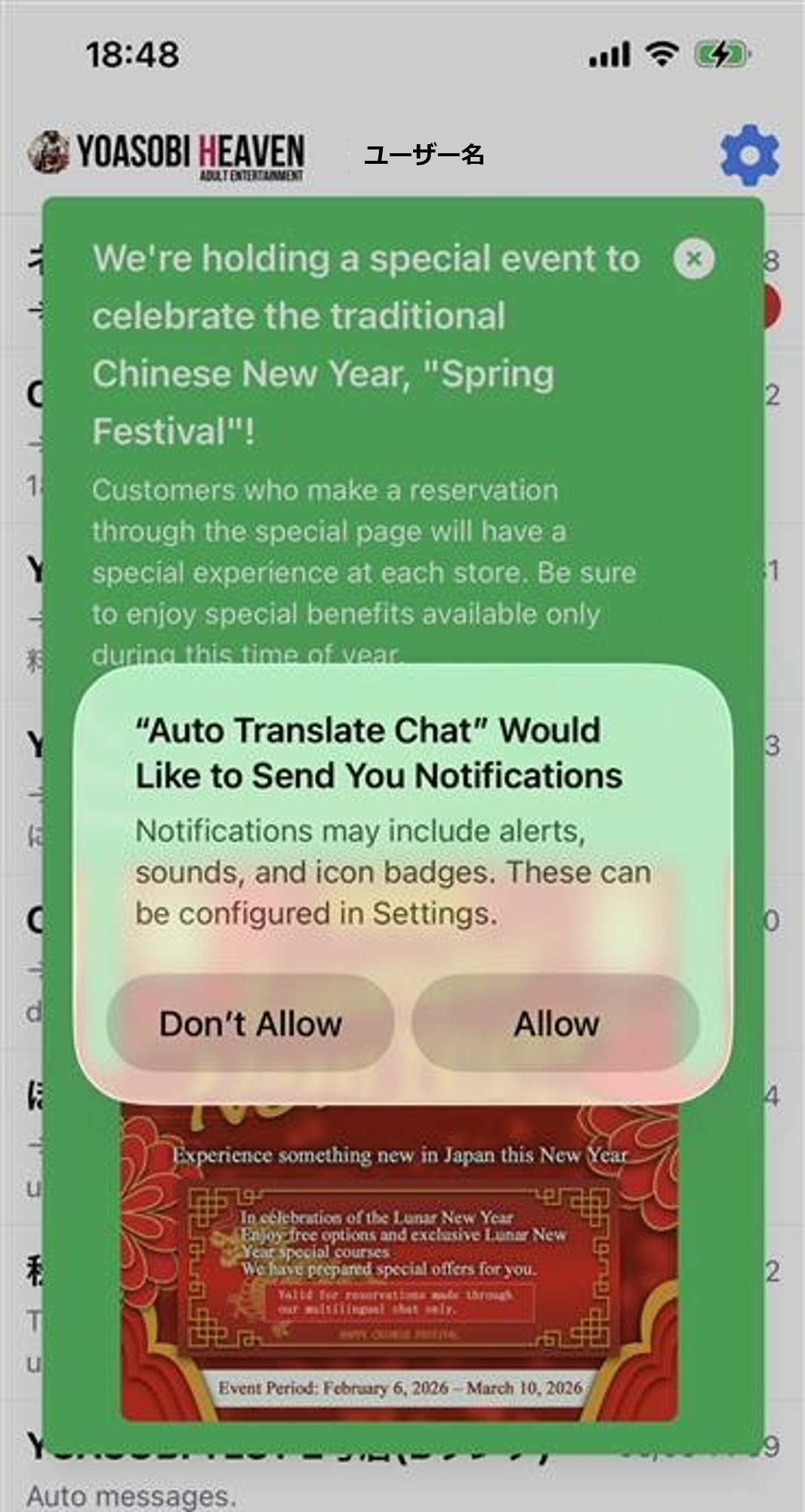
② Tap “Allow” on the “Allow notifications?” prompt
③ Settings complete
※ Notifications will arrive even if the browser is closed.
How to set up if you forgot to tap “Allow”
Even if you initially selected “Block” or “Later,” you can re-enable notifications via browser settings.
■ For Chrome
① Open this site in
② Tap the”🔒(lock icon)”on the left side of the address
③ Select “Notifications”
④ Change to “Allow”
Then reload the page.
※For Android users (non-Chrome)
The basic approach is to “Change notification settings per site.”
■For iPhone users
※For iPhone: Settings must be configured in Safari (iOS 16.4 or later required)
① Open multilingual chat in Safari
② Tap the “Share” button at the bottom of the screen
③ Select “Add to Home Screen”
④ Open the site from the added icon
⑤ Allow notifications
※You cannot receive notifications in other browsers like Chrome.
■If you’re not receiving notifications
・Check that your browser’s notification settings are turned ON
・Check that your device’s notification settings allow notifications from the browser
・Check your power saving mode settings